
Searching for a Coinbase Commerce alternative for WooCommerce usually means you are comparing checkout architectures, not only brands. One store may use a specialist crypto service beside a separate card gateway. Another may want one WooCommerce integration that can present card and crypto options when they are available. Neither structure is automatically right for every business.
This guide does not make claims about Coinbase Commerce or another competitor’s current features, fees, supported assets, or terms. Those facts should come from the provider directly. Instead, it shows how to evaluate Woo-Whop as a Whop-to-WooCommerce integration and how to ask the same practical questions of any alternative.
Compare the order path before you compare logos
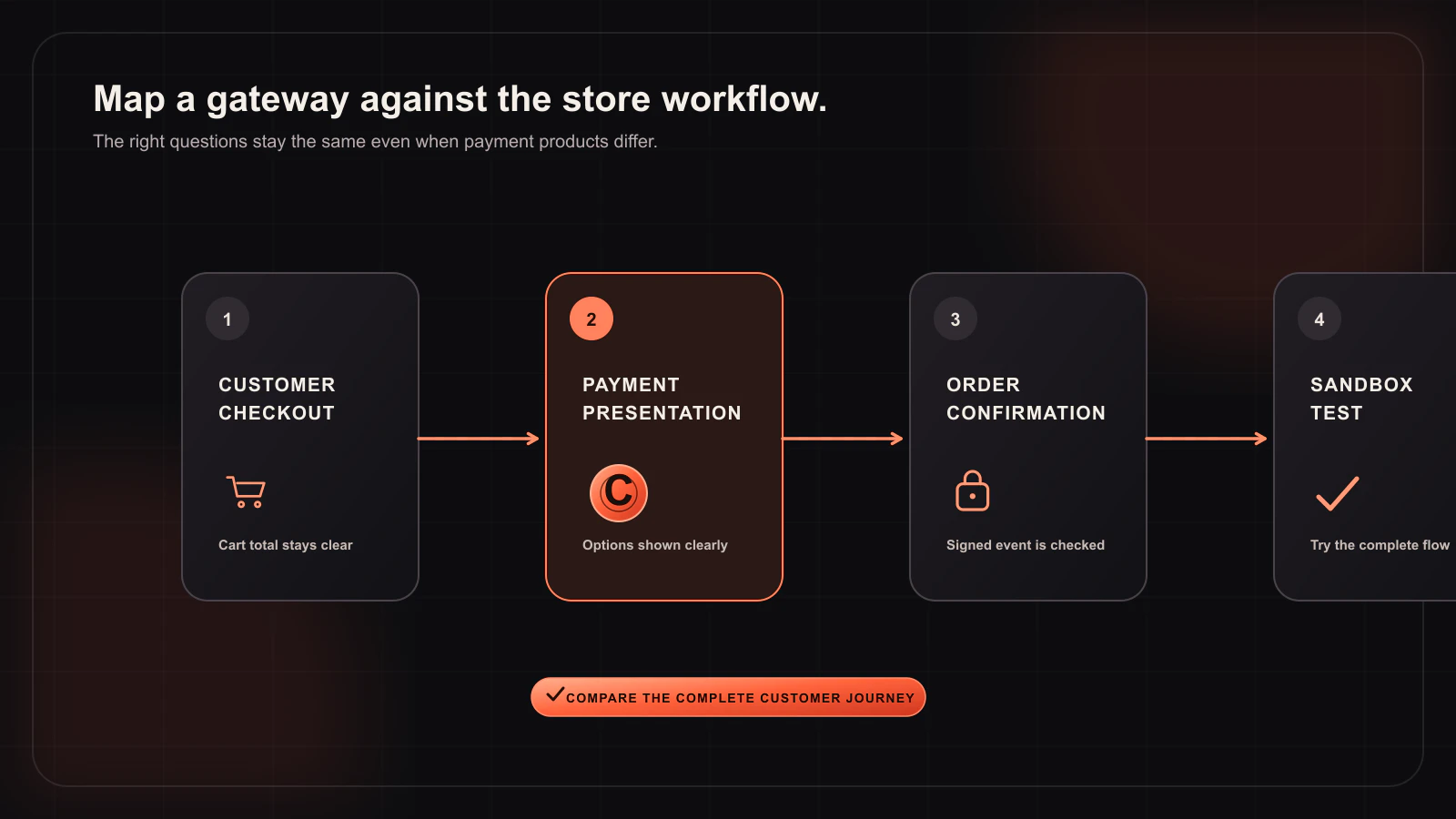
Draw the path that occurs after a buyer presses the order button. The comparison should cover the full lifecycle, not only the payment screen:
- WooCommerce calculates the live cart total.
- The gateway creates or receives a payment request.
- The customer is shown the methods available to that checkout.
- The customer completes payment in an embedded form, popup, or hosted page.
- A server-side event returns to the store.
- The store validates that event before it regards the order as paid.
Woo-Whop creates a one-time Whop plan from the live WooCommerce cart. This removes a manual product-to-plan mapping task from the payment workflow. It then accepts a completed payment only after the signed payment.succeeded event is checked against the expected plan, company, amount, and currency.
Questions for a crypto-capable payment stack
| Question | Why it matters | Woo-Whop implementation detail |
|---|---|---|
| Can the customer stay in the checkout experience I designed? | It changes how you write checkout copy and support customers. | Choose Embed on checkout, Embedded checkout popup, or Direct Redirect. |
| Does the request use the actual cart? | Manual mapping creates an additional place for prices and products to drift. | A one-time Whop plan is made from the live cart. |
| How does WordPress know a payment is valid? | Browser pages and customer screenshots are not enough for an order-state change. | A signed success event is validated against plan, company, amount, and currency. |
| What payment methods will customers see? | Availability is account- and checkout-specific. | Card and crypto options are subject to Whop availability and must be checked in the relevant checkout. |
| Will it work with my WooCommerce setup? | Modern checkout and storage configurations can affect extensions. | The plugin supports Classic checkout, Checkout Blocks, and HPOS. |
Do not advertise a named asset until the checkout confirms it
“Crypto payments” is a category, not a promise that every customer will see every asset or method. If you are planning customer-facing copy, the accurate statement is that the checkout can display card and crypto options where Whop makes them available. Review the live-ready checkout in the account that will process payments before you name a coin, wallet, chain, or method on a product page.
One gateway versus separate integrations
A single integration can make the WooCommerce order lifecycle easier to reason about because the same cart-to-payment pattern is used for the available checkout options. Separate integrations can be appropriate when a store has a specific provider requirement, but they introduce more paths to test, document, and support. The decision should be based on the actual business requirements, current provider terms, and the customer experience you want to operate—not on assumptions about which model is “better.”
Test before production
Woo-Whop has sandbox mode, so you can test the exact flow without publishing a live checkout. Start with a representative WooCommerce product, choose one mode, and confirm the result all the way through the signed webhook. Test customer-visible behaviour on mobile as well as desktop, especially if you select a popup or redirect flow.
- Confirm the live-cart amount becomes the one-time payment plan you expect.
- Register and receive the generated webhook URL.
- Verify signature, plan, company, amount, and currency on
payment.succeeded. - Check the post-payment order status in WooCommerce.
- Use HTTPS before enabling live payments.
Related guides
- See how to plan a crypto-capable WooCommerce checkout.
- Compare Embed, popup, and Direct Redirect modes.
- Review signed payment-event verification before you automate paid-order actions.
The strongest “alternative” is not a generic feature list. It is a payment path you can explain to customers, test in sandbox, verify server-side, and keep aligned with your WooCommerce cart.