
Digital products make payment reliability visible. There may be no shipping delay to hide a mismatch between the checkout and the order record: buyers expect an unambiguous result as soon as they pay. That does not mean a gateway should promise automatic fulfilment for every store. It means the payment path needs a precise, testable answer to one question: what evidence allows WooCommerce to treat this order as paid?
For a WooCommerce store using Whop, Woo-Whop connects the live cart to a one-time Whop plan and validates signed payment events before the order is marked paid. This guide helps you evaluate that workflow—and any other gateway—without relying on a generic “best payment gateway” claim.
What matters most for digital product checkout
| Requirement | Why it matters for digital products | What to test |
|---|---|---|
| Accurate live-cart payment request | A buyer should be sent to pay for the same total the WooCommerce checkout calculated. | Change quantity, coupon, shipping, or currency conditions in sandbox and confirm the payment request follows the current cart. |
| Server-side verification | A success screen alone is not reliable evidence for an order-state change. | Confirm the signed success event is checked before the order is treated as paid. |
| Checkout compatibility | Theme and checkout architecture can change how payment methods render. | Test your chosen gateway with Classic checkout, Checkout Blocks, and HPOS where those are in use. |
| Clear payment presentation | Digital buyers need to understand what happens next without extra page changes. | Test inline, popup, and hosted redirect flows on mobile and desktop. |
| Supportable recovery path | Customers may return late, close a tab, or contact support after attempting payment. | Document how your team checks the WooCommerce order and the verified event rather than guessing from browser state. |
Woo-Whop’s verified order path
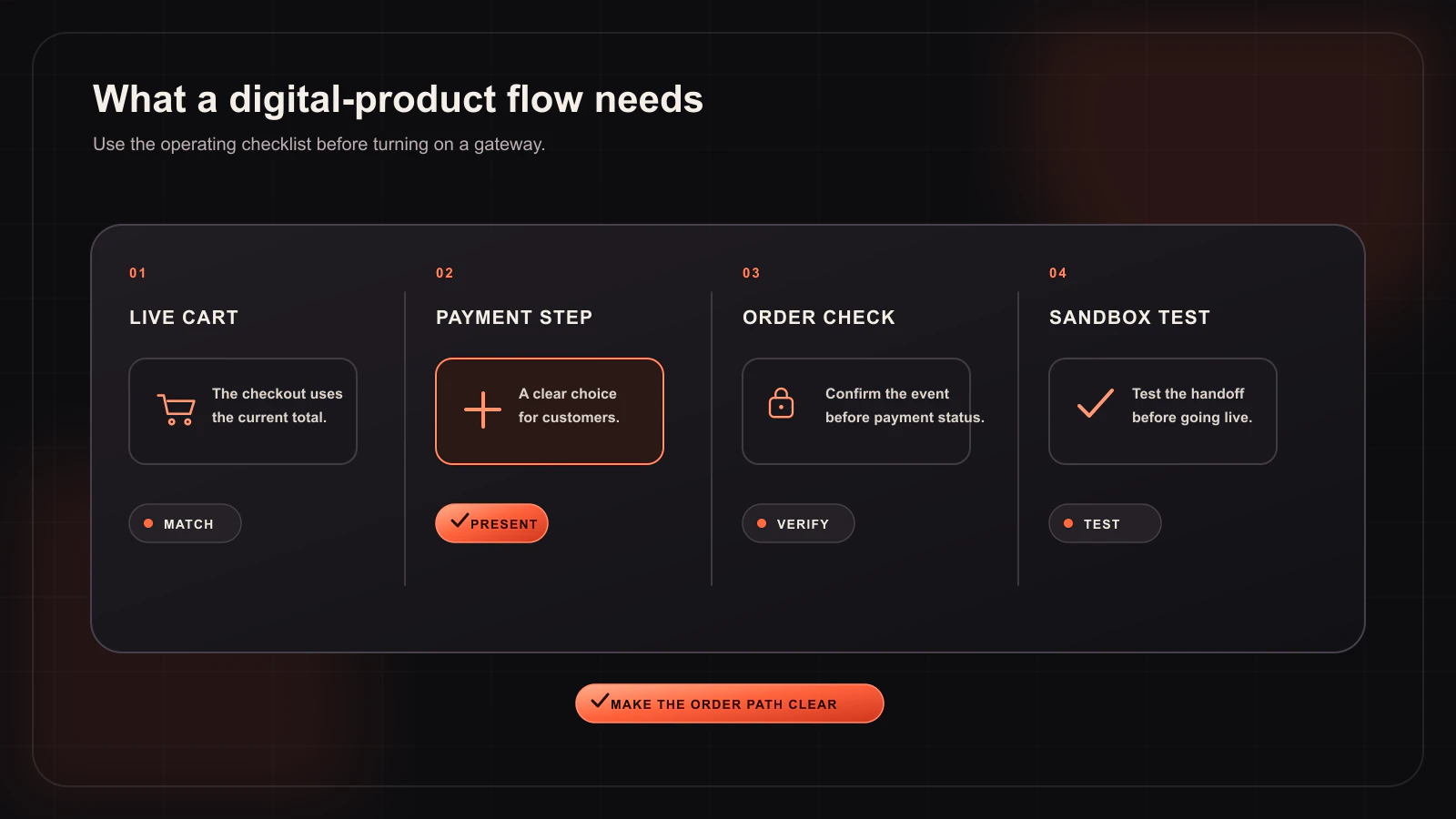
Woo-Whop starts from the live WooCommerce cart and creates a one-time Whop plan for the payment. This avoids a separate manual mapping process where every store product must be paired with a payment plan identifier. The customer then sees one of three configured checkout modes: Embed on checkout, Embedded checkout popup, or Direct Redirect.
When Whop sends a payment.succeeded event, the plugin verifies its signature and checks the expected plan, company, amount, and currency before accepting it as the payment result. That verification step is especially important for digital products because it gives your store a server-side condition to use before it changes the order state or begins any downstream process you have configured.
Do not let the thank-you page make the decision
A browser return page is useful for the customer, but it is not a replacement for a verified webhook. Tabs can be closed, network requests can be interrupted, and a buyer may return before an event is processed. Your WooCommerce order workflow should be built around the signed event validation, not around whether a particular page rendered in a browser.
For Woo-Whop, test the following exact conditions in sandbox:
- Place an order from a normal product cart.
- Confirm the payment request was created from the cart you just submitted.
- Complete the sandbox payment path.
- Inspect the incoming
payment.succeededevent and ensure the signature, plan, company, amount, and currency checks pass. - Check the WooCommerce order after the verified event is handled.
- Repeat after changing the cart conditions that matter to your store.
Choose the checkout experience deliberately
An embedded checkout can be a strong fit for a simple digital cart because payment remains in the WooCommerce page context. A popup can give the payment interaction more focus without navigating away. Direct Redirect can be appropriate if a hosted handoff is easier for your store to communicate and support. None of the three modes removes the need for the same signed verification process.
International details to include in the test plan
If you sell across currencies or locales, include those cases before declaring the gateway ready. Woo-Whop lists 47 native store currencies. If a store currency is outside that list, it uses a guarded live-rate conversion to USD. It also offers 28 payment-form language options with automatic WordPress locale mapping. Verify the exact currency, locale, and available payment methods for the checkout you will publish; card and crypto options are subject to Whop availability.
Pre-launch checklist for a digital-product store
- Use HTTPS before enabling live payments.
- Keep sandbox enabled until a full end-to-end test passes.
- Confirm your selected checkout mode on both desktop and mobile.
- Verify that a signed event—not only a browser return—drives your paid-order logic.
- Review the exact wording customers see around payment and support.
- Document what your store does after an order becomes paid, including any product-specific fulfilment rules.
For implementation steps, use the Woo-Whop setup guide. For the payment-validation pattern, read how signed webhooks protect WooCommerce order status. A strong digital-product checkout is not defined by a logo or a headline; it is defined by a cart, payment event, and order record that agree every time you test them.