
Store owners searching for “how to accept Bitcoin on WooCommerce” are usually solving a broader checkout problem: they want to offer a crypto payment option without creating a disconnected order process for card-paying customers. The right implementation starts with an important boundary. Woo-Whop does not promise a particular named crypto asset. Card and crypto options are made available through Whop where they are available for the relevant checkout, account, and location.
That means the safe way to plan a crypto-capable WooCommerce checkout is to build and test the connection first, then confirm the live payment options in the actual Whop checkout before you publish any asset-specific marketing. This guide describes the Woo-Whop integration process, not an availability guarantee for Bitcoin or another named asset.
Separate the payment option from the order workflow
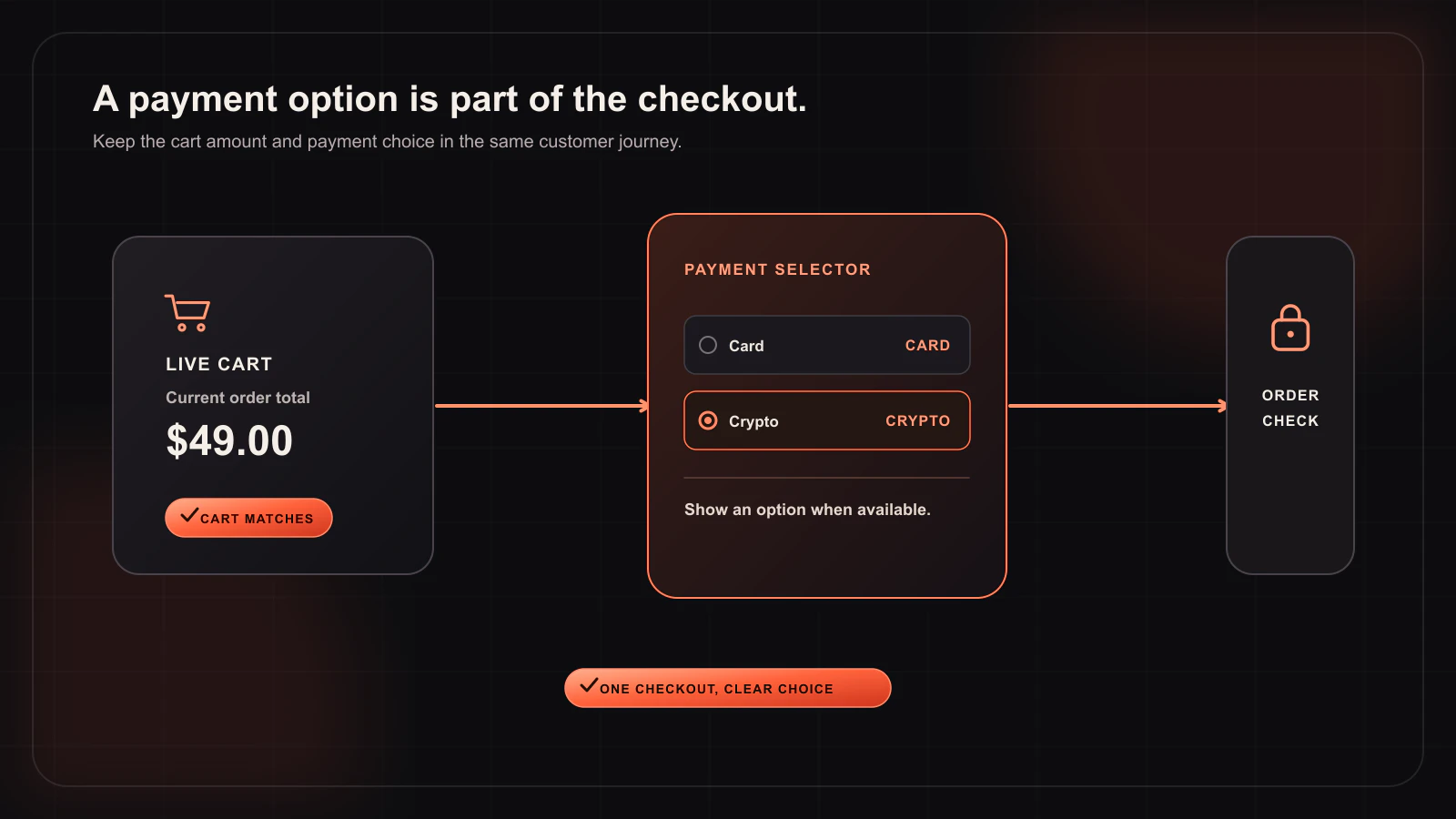
A crypto option only helps if the WooCommerce order can be reconciled correctly. The complete flow should look like this:
- A customer builds a WooCommerce cart.
- Woo-Whop creates a one-time Whop plan from that live cart.
- The configured Whop checkout opens as an embed, popup, or direct redirect.
- The customer sees the payment methods available for that checkout.
- Whop sends a signed
payment.succeededevent after a successful payment. - Your WordPress site verifies the event’s plan, company, amount, and currency before it treats the WooCommerce order as paid.
This sequence is the same whether the customer chooses a card option or an available crypto option. It keeps your order logic focused on a verified payment result rather than on a separate manual reconciliation process.
Three WooCommerce checkout modes
| Mode | Payment experience | Planning question |
|---|---|---|
| Embed on checkout | The payment experience appears in the WooCommerce checkout. | Does the checkout page leave enough space and context for the embedded payment area? |
| Embedded checkout popup | The payment experience appears in a focused overlay. | Have you tested opening, closing, and completing the popup on a phone? |
| Direct Redirect | The buyer continues to a hosted Whop payment page. | Have you clearly explained the handoff and return path to the customer? |
Do not choose a mode because it sounds more “crypto-native.” Choose it because it makes the order total, payment step, and return journey easy for your buyers to understand. The mode controls presentation; signed webhook verification controls whether the store trusts the result.
Setup checklist before advertising crypto payments
- Install Woo-Whop and connect it in WooCommerce payment settings.
- Start in sandbox mode and select one checkout mode.
- Run a complete test from a real WooCommerce cart rather than a manually created payment request.
- Register the webhook URL and test signed
payment.succeededvalidation. - Confirm that the expected plan, company, amount, and currency are all checked before paid-order logic runs.
- Use HTTPS before enabling live payments.
- Open the live-ready checkout in your own Whop account and verify the payment options that are actually available before publishing customer-facing copy.
Why availability must be checked at launch time
Payment method availability is not a static plugin feature list. It can depend on Whop’s checkout availability, your account, and the checkout being created. A responsible product page therefore says that customers can use the methods shown in the checkout, rather than guaranteeing that a named coin or wallet will always appear. This avoids a common support problem: advertising a payment choice that the live checkout cannot offer.
If your store takes payments in more than one currency, test that too. Woo-Whop lists 47 native store currencies. For other store currencies, it uses a guarded live-rate conversion to USD. Treat this as part of the same end-to-end test: compare the WooCommerce cart amount with the payment request, then confirm the verified event returns the expected values.
Security and customer communication
Crypto-related checkout copy should be precise. Tell customers where they will be taken or what will open, show the order total clearly, and provide a simple support route if they leave before completion. Internally, never mark an order paid based solely on a screenshot, browser return, or customer message. Use the signed webhook and its checks as the source of truth.
Useful next steps
- Review the checkout-mode documentation.
- Read the general WooCommerce crypto payment guide.
- Implement the signed webhook verification pattern.
In short: Woo-Whop can connect a WooCommerce cart to a Whop checkout where card and crypto options are available. Confirm those options in the account that will process the live checkout, then protect the order workflow with sandbox testing, HTTPS, and signed-event validation.