
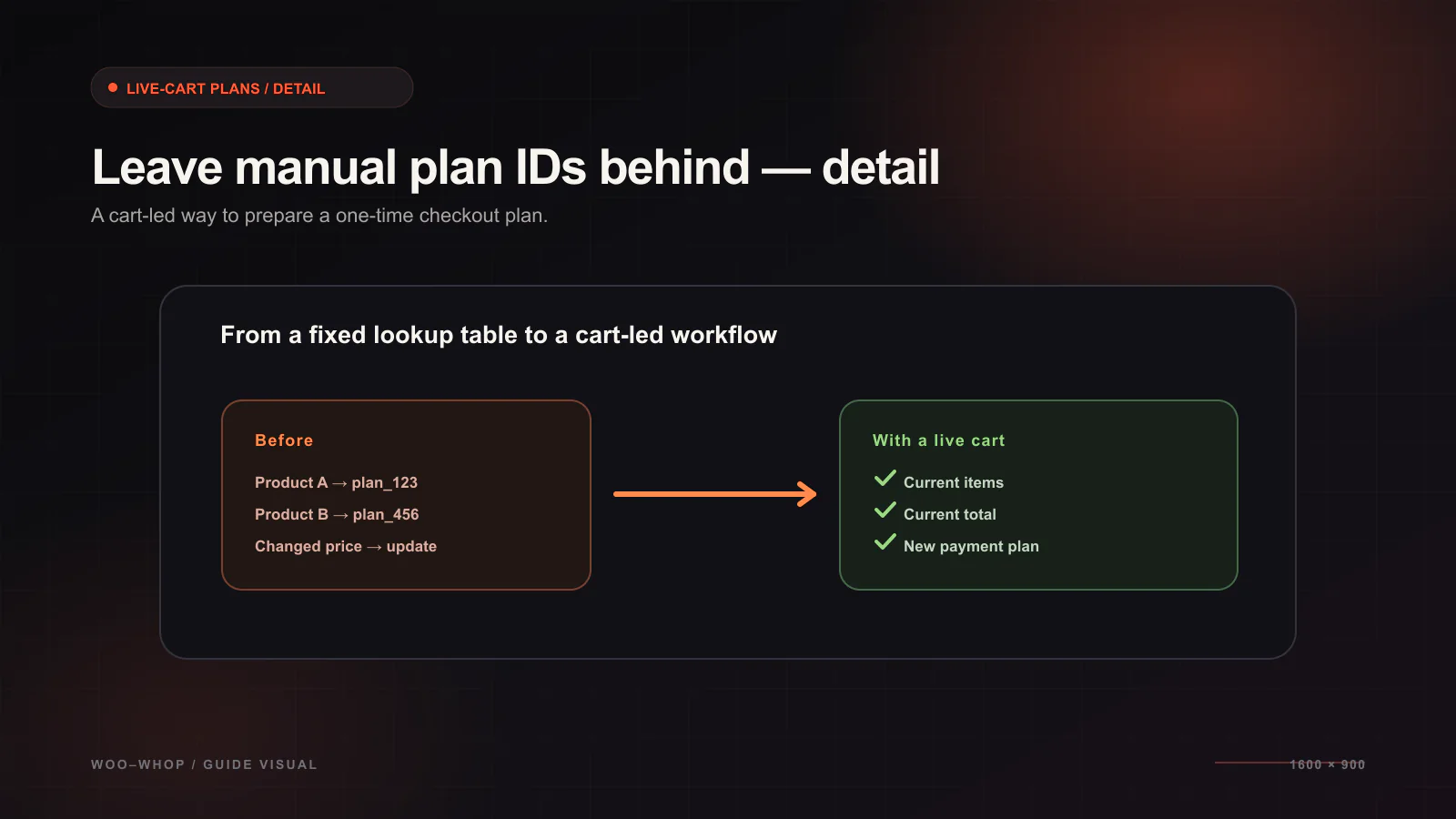
When a payment gateway requires a separate plan ID for every product, variation, or price change, the store begins to maintain two descriptions of the same catalogue. One lives in WooCommerce, where customers see products and build carts. Another lives in a payment dashboard, where somebody has to keep IDs and values aligned. That duplication is exactly what Woo-Whop is designed to avoid.
Woo-Whop creates a one-time Whop plan from the live WooCommerce cart at checkout. There is no manual product-to-plan mapping to enter. WooCommerce remains the source of truth for the products and cart; the gateway uses the active checkout context to make the corresponding payment flow.
Why static plan mapping creates unnecessary maintenance
A static mapping can look manageable with one product. It becomes harder to reason about as a store adds variations, changes prices, runs regional storefront configurations, or adjusts product descriptions and checkout flows. The issue is not that a plan ID is inherently unsafe. It is that an independent mapping introduces another list that must remain accurate every time the storefront changes.
| Manual-mapping task | Live-cart checkout creation |
|---|---|
| Create or select a plan ID for a product | Create a one-time plan from the current cart. |
| Maintain a product-to-plan reference in the store | No product-to-plan mapping is required. |
| Check whether a changed price still matches a separate record | Use the current WooCommerce cart as the payment basis. |
| Work out which plan belongs to a checkout | Validate the payment against the plan created for that checkout. |
This is a matter of keeping the payment request connected to the cart a customer is actually buying. It is not a claim that product management disappears: you still manage your WooCommerce catalogue, review checkout settings, and test the resulting order flow. It simply removes a separate manual mapping step from the gateway configuration.
How the live-cart path works
- The customer adds products to the WooCommerce cart and proceeds to checkout.
- Woo-Whop reads the live cart context and creates a one-time plan.
- The store shows the Whop payment flow through Embed, Popup, or Direct Redirect.
- Payment options such as card and crypto are made available subject to Whop availability.
- A signed
payment.succeededevent reaches the configured endpoint. - The gateway checks the expected plan, company, amount, and currency before WooCommerce treats the order as paid.
The plan created at checkout is therefore part of the verification story as well as the payment-creation story. It gives the signed payment event a specific expected reference rather than relying on a generic browser return. Learn more in the signed webhook validation guide.
What no manual mapping does and does not mean
| It does mean | It does not mean |
|---|---|
| You do not create a static Whop plan ID for every WooCommerce product. | You can ignore WooCommerce product, price, or checkout testing. |
| The checkout is created from the live cart at payment time. | Every third-party extension will behave identically without testing. |
| The payment confirmation can be checked against an expected plan. | A browser redirect alone is enough to prove payment. |
| You can choose Embed, Popup, or Direct Redirect for presentation. | One checkout layout is always right for every theme. |
Configuration checklist
- Install and activate Woo-Whop, then enter the required Whop credentials in WooCommerce payment settings.
- Review products and cart prices in WooCommerce; no separate product-to-plan mapping is needed.
- Select Embed, Popup, or Direct Redirect based on the checkout layout you actually use.
- Enable sandbox and place a test order from a representative cart.
- Register the webhook endpoint and confirm the signed
payment.succeededevent validates plan, company, amount, and currency. - Verify that the site uses HTTPS before enabling live payment settings.
Use it with the WooCommerce stack you have
Woo-Whop supports Classic checkout, Checkout Block, and HPOS. That means the decision to use live-cart plan creation does not require you to abandon the checkout or order-storage foundation already selected for the store. Still, test your own theme, field customisations, and checkout plugins in sandbox. A supported platform feature is the starting point; your full store configuration is what customers will use.
For store currencies, the gateway can use 47 listed native store currencies. Other store currencies are converted to USD using a guarded live rate. The payment form also offers 28 language options with automatic WordPress locale mapping. Test the currency and locale combinations you actually serve rather than assuming the default setup covers all of them. Read the currency matching guide for a focused test plan.
If your central question is whether a Whop WooCommerce integration can avoid manually maintained plan IDs, the answer is yes: live-cart checkout creation is the purpose of this gateway design. Start with the checkout creation walkthrough and then follow the configuration documentation in sandbox.