
“Whop vs Stripe for WooCommerce” is a useful search, but it should not end with a generic winner. Payment providers have different account terms, regional availability, payment methods, support processes, and checkout implementations. Those details can change, so a responsible comparison starts with the workflow your WooCommerce store needs and verifies each provider directly.
This guide focuses on the technical questions that can be answered for Woo-Whop, an independent WordPress plugin that connects a Whop checkout to WooCommerce. It does not make capability claims about Stripe or any other provider. Use the checklist below to compare any alternative against the same requirements.
Start with the job your gateway must do
A WooCommerce payment gateway has to do more than display a payment button. At minimum, your team should be able to explain how a live cart becomes a payment request, how the result returns to WordPress, and what proves an order is paid. If those answers are vague, the gateway is not yet ready for production.
| Evaluation area | Question to ask every provider | Woo-Whop behaviour to verify in your store |
|---|---|---|
| Checkout presentation | Can buyers pay inline, in a popup, or through a hosted handoff? | Choose Embed on checkout, Embedded checkout popup, or Direct Redirect. |
| Cart data | Does the payment request reflect the current WooCommerce cart? | A one-time Whop plan is created from the live cart; there is no manual product-to-plan mapping. |
| Order confirmation | Which server-side event can mark an order as paid? | Validate the signed payment.succeeded event against plan, company, amount, and currency. |
| Compatibility | Does the gateway support the checkout technology your store uses? | Classic checkout, Checkout Blocks, and HPOS are supported by the plugin. |
| Testing | Can the full path be tested before real customers use it? | Use sandbox mode before going live, then enable HTTPS for live payments. |
Where Woo-Whop fits
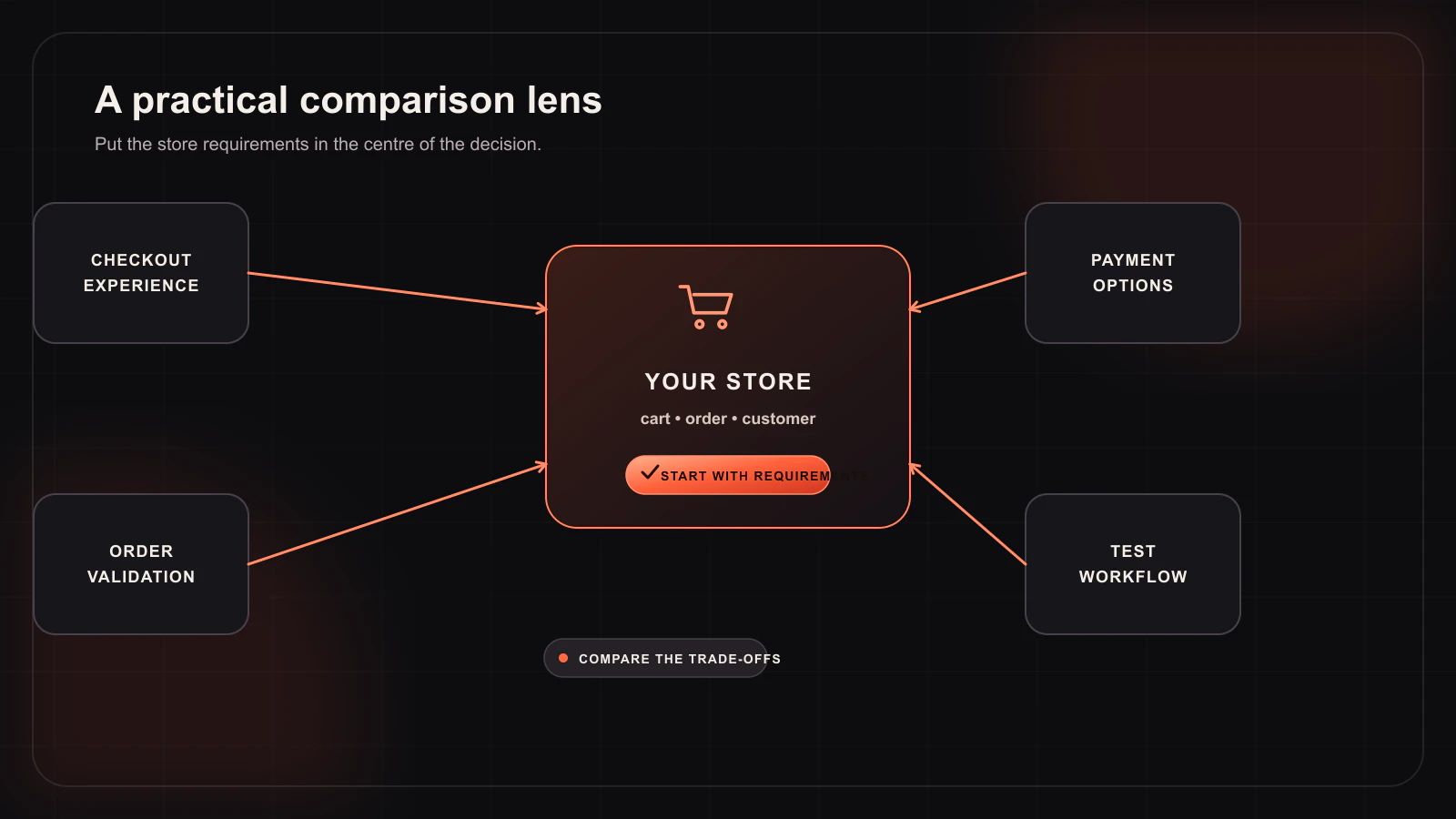
Woo-Whop is appropriate to evaluate when your store uses WooCommerce as the storefront and order hub, and you want to connect that checkout to Whop. Its central pattern is simple: take the live cart, create a one-time payment plan, present one of three Whop checkout modes, and verify the completed payment through a signed webhook.
That pattern may reduce the operational work associated with manually pairing every WooCommerce product to an external payment-plan ID. It does not remove the need to test tax, coupons, shipping, currency, and fulfilment behaviour in your own store. Those details belong to your WooCommerce configuration and should be part of a sandbox test plan.
Do not compare marketing labels—compare the lifecycle
When evaluating Whop, Stripe, or another WooCommerce payment gateway, draw the lifecycle on a single page:
- The customer adds a product to the WooCommerce cart.
- The store calculates the final order amount using its own cart and checkout rules.
- The gateway creates or receives the payment request.
- The customer completes payment using the available options for that checkout.
- A server-to-server event reaches your WordPress site.
- The site verifies the event before changing the order to paid or triggering downstream actions.
If a provider cannot give you a clear answer at any stage, ask for documentation and test it before a migration. A checkout that looks polished but has an uncertain confirmation path creates support risk.
Questions for provider due diligence
- Which countries, accounts, payment methods, and currencies are available for my business today?
- What are the current fees, settlement timing, disputes process, and account requirements? Get these answers from the provider’s current terms rather than a comparison blog.
- Can I test the exact checkout mode I plan to use in a sandbox?
- Does the integration support my WooCommerce checkout type and HPOS configuration?
- How is the webhook signed, and which values should my site compare before it trusts a paid event?
- What happens if the browser closes after payment but before the customer returns to the store?
Payment methods and availability
Woo-Whop can surface card and crypto payment options through Whop where those options are available. Availability is determined by Whop and the relevant checkout, so it should be checked in your actual account before you advertise a specific method. The plugin’s job is to connect the WooCommerce order and the Whop checkout; it does not make an independent availability guarantee.
A low-risk evaluation process
Run a single representative order in sandbox before you replace an existing production path. Confirm that the amount and currency shown to the buyer match the order you expect, trigger a signed success event, and inspect the WooCommerce order record. Then repeat the test on your production-like theme and checkout extension stack. This approach produces more reliable answers than feature-grid comparisons.
For setup details, start with the Woo-Whop documentation, review the three checkout modes, and use the webhook verification guide as part of your acceptance test. The best gateway is the one whose live, verified order flow matches your store’s requirements—not the one with the broadest headline.