
When a WooCommerce business has complex, restricted, or simply unusual payment requirements, it is tempting to search for a gateway that will “approve anything.” That is not a safe promise to trust. Payment-provider eligibility, account review, payment-method availability, and terms are provider decisions that depend on the business and can change over time.
A better approach is due diligence: make your product information and customer communication clear, ask each provider the questions that affect your business, and build a payment integration that can be tested before it is exposed to customers. Woo-Whop can be assessed as a technical Whop-to-WooCommerce connector within that process, but it does not guarantee approval, eligibility, account status, or results for any category.
What a gateway evaluation should cover
| Area | Why it needs direct verification | Action for the store owner |
|---|---|---|
| Eligibility and terms | Providers decide which businesses and products they support. | Read current provider documentation and obtain written confirmation where appropriate. |
| Payment-method availability | Card and crypto options may vary by the relevant checkout and account. | Inspect the methods shown in the live-ready checkout before advertising them. |
| Checkout clarity | Ambiguous offers, totals, and policies create customer confusion. | Make product scope, price, refund approach, and support route easy to find on the store. |
| Order verification | A browser result is not the same as a verified payment event. | Validate signed webhooks before marking WooCommerce orders paid. |
| Technical resilience | Extensions, themes, and checkout architecture can affect payment presentation. | Test on the same Classic checkout, Checkout Blocks, or HPOS configuration you run in production. |
Use Woo-Whop as a technical integration, not an eligibility claim
Woo-Whop is an independent plugin that connects a Whop checkout to WooCommerce. It creates a one-time Whop plan from the live cart, avoiding a manual product-to-plan mapping process. You can select Embed on checkout, Embedded checkout popup, or Direct Redirect depending on the checkout experience you want to test.
The plugin supports Classic checkout, Checkout Blocks, and HPOS. After a successful payment event, it validates the signed payment.succeeded webhook against the expected plan, company, amount, and currency before the order is marked paid. Those are implementation facts. They do not imply that Whop will accept a particular business, offer a particular payment method, or approve a particular type of sale.
Prepare your store before you apply or integrate
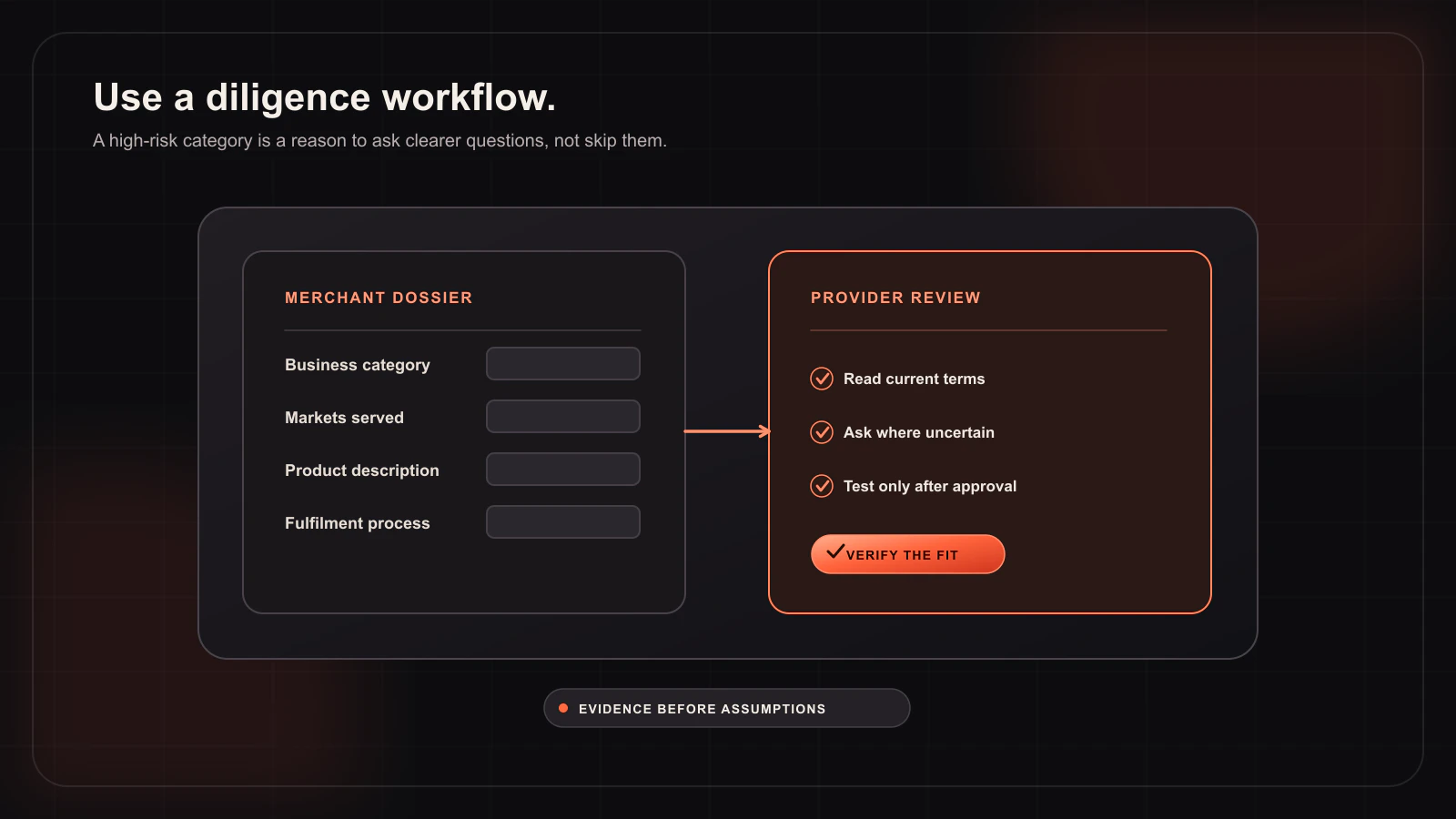
Clear site content helps you communicate what buyers are purchasing and how they can get help. Before you connect any payment service, audit the information that a customer—and a provider—can see:
- Accurate product descriptions that describe what is included and any important limitations.
- Visible business contact and support details.
- Accessible refund, privacy, and terms pages that match the way the store operates.
- Checkout totals that are easy to understand before payment begins.
- A process for responding to customer questions without asking them to share sensitive payment information.
These are good operational practices, not a workaround for eligibility rules. If a provider asks for information, provide accurate material and follow its current requirements.
Test a complete order flow in sandbox
Technical testing reduces the risk of customer-facing confusion once a provider relationship is already in place. With Woo-Whop, begin in sandbox mode, add a normal store product to the cart, and run through the selected checkout mode. Confirm that the one-time payment plan reflects the live cart and that the signed success event is validated before the order state changes.
- Enable sandbox mode in the gateway settings.
- Choose Embed on checkout, popup, or Direct Redirect.
- Register the generated webhook URL.
- Run a test order and confirm plan, company, amount, and currency validation.
- Test the same path on desktop and mobile.
- Enable HTTPS before a live checkout is made available.
Questions to take to any provider
- Is my business and product type eligible under your current terms?
- Which payment methods, countries, currencies, and account features are available to me now?
- What information must appear on my customer-facing pages?
- What are the current fees, settlement conditions, dispute process, and support route?
- How should I handle a payment that appears complete to a customer but has not produced a verified server-side event?
Get answers from the provider’s current documentation or support team. A blog post cannot certify those business decisions. For Woo-Whop-specific setup, use the documentation and the webhook verification guide. The practical goal is a checkout that is clear for customers, valid for your provider relationship, and technically verified by your WooCommerce site.