
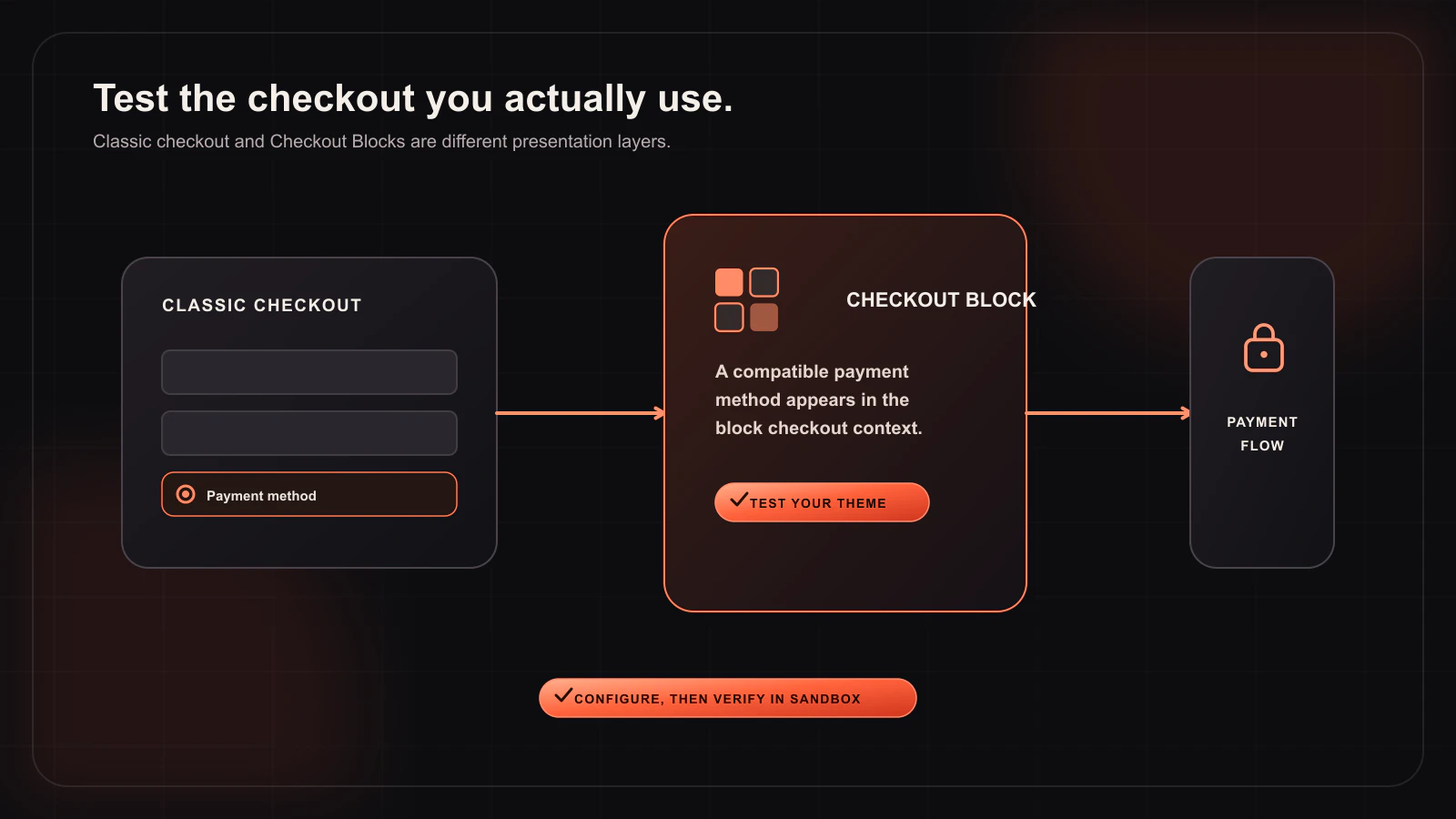
The WooCommerce Checkout Block is not simply the Classic checkout with a new visual skin. It has a different rendering and data flow, which is why a gateway that works on Classic checkout can fail or disappear in a block-based store. Woo-Whop includes a Checkout Block adapter as well as Classic checkout support and HPOS compatibility.
This guide explains how to test a Whop payment gateway on the Checkout Block without assuming the two checkout architectures behave identically. The goal is not just to see a payment option appear; it is to prove the full cart, payment, signed webhook, and paid-order path.
What Checkout Block support means
WooCommerce Blocks uses its own checkout interfaces and Store API data flow. A compatible gateway has to register itself with the Blocks payment-method system and handle the checkout lifecycle in that environment. Woo-Whop provides that integration for its supported embedded modes, alongside the standard gateway implementation used by Classic checkout.
Support does not mean every theme customization will look identical. Your active block theme, checkout extensions, address fields, shipping rules, currency switcher, and other payment plugins can still alter the final page. Treat compatibility as something to verify in your own store, not a reason to skip testing.
Classic checkout, Checkout Block, and HPOS: the roles
| WooCommerce component | What it changes | What to test |
|---|---|---|
| Classic checkout | Traditional WooCommerce checkout templates and payment hooks. | Payment area placement, validation, payment-method switching, and order completion. |
| Checkout Block | Block-based checkout UI and Store API data handling. | Gateway visibility, field rendering, address updates, cart changes, and final payment completion. |
| HPOS | Modern WooCommerce order storage. | Orders, payment metadata, status updates, and admin review after a confirmed event. |
Woo-Whop declares HPOS compatibility. That does not automatically fix other extensions that write order data using old assumptions, so test the full plugin stack if you are moving an existing store to HPOS.
Set up the gateway before testing Blocks
- Install Woo-Whop and activate its licence.
- Enter the sandbox API key and Company ID in WooCommerce → Settings → Payments → Whop.
- Copy the exact callback URL from the gateway settings into Whop, subscribe to
payment.succeeded, and save the matching signing secret. - Enable the gateway, keep sandbox mode on, and select the checkout mode you want to test.
- Open the actual page containing the WooCommerce Checkout Block rather than a copied Classic checkout URL.
Which checkout mode should a Block store start with?
Start with Embed on Checkout if the payment surface renders correctly in the Block checkout. It provides the most continuous on-page payment experience. If you have a complex block layout or an interaction conflict, use Embedded Checkout Popup as a second option. Direct Redirect is the practical fallback when the embedded experience conflicts with a customization.
All three modes use the same live-cart checkout creation and signed payment.succeeded confirmation rules. The difference is where the payment UI appears, not which order is supposed to be confirmed.
The Block checkout test matrix
Use a representative product and test this sequence on staging or sandbox:
- Load the Checkout Block with no cached customer session and confirm the Whop method appears when enabled.
- Add a product with the normal shipping and tax conditions you sell, then verify the order summary updates.
- Change the billing address or shipping method if your store uses them and confirm the chosen payment mode remains usable.
- Apply a coupon, then verify the amount that enters the payment path reflects the live order total.
- Complete a sandbox order and verify that the signed webhook completes the matching WooCommerce order.
- Repeat on a real phone. Modal focus, viewport height, and block re-renders often appear differently on mobile.
- Check the completed order in WooCommerce admin with HPOS enabled if that is your production configuration.
Common Block-specific symptoms
The gateway does not appear
Confirm that the Woo-Whop gateway is enabled and credentials are complete. Then test whether another checkout extension filters payment methods or whether stale optimization/cache output is serving an old block state.
The payment fields load, then disappear after checkout changes
Blocks can re-render portions of checkout after an address, shipping, coupon, or payment-method change. Update Woo-Whop and WooCommerce, reproduce the sequence in sandbox, and keep a concise list of the actions that cause the issue for support.
The payment succeeds but the order is not paid
This is a confirmation-path problem, not a visual Blocks problem. Review the endpoint delivery, event subscription, signing secret, expected company, amount, and currency. The webhook verification guide covers that sequence.
Keep migrations separate
If you are moving from Classic checkout to Checkout Block or enabling HPOS, do not make a redesign, payment-gateway swap, and currency-switcher migration in the same release. First validate the gateway on the existing checkout. Then stage the Block migration, test the complete payment path, and only then change the production checkout.
What the gateway does not decide
Woo-Whop provides the payment integration. It does not decide which Whop payment methods are available to your account, set merchant eligibility, or configure how a digital product grants access after WooCommerce marks the order paid. Keep those concerns in your Whop, WooCommerce, and fulfilment settings respectively.
Validate the Checkout Block payment path in sandbox
Use the same product, coupon, currency, and fulfilment conditions your real buyers will see.
Open the launch checklist →