
A translated WooCommerce store can still feel incomplete at the payment step if the payment form is not configured for the storefront language. Language is not only a content concern: checkout labels, errors, and instructions are part of the decision to complete an order. The right implementation is to test the complete WooCommerce-to-payment journey in each locale your store is designed to serve.
Woo-Whop provides 28 payment-form language options and supports automatic WordPress locale mapping. This means the gateway can use the WordPress locale as the starting point for the payment-form language. It should still be tested with your theme, translation setup, and selected checkout mode before you treat the experience as launch-ready.
How locale mapping fits into checkout
There are usually several language layers in an ecommerce site:
| Layer | Typical owner | What to check |
|---|---|---|
| Storefront content | Your WordPress theme and translation configuration. | Product descriptions, navigation, policies, and customer-support links should use the correct locale. |
| WooCommerce checkout | WooCommerce and active checkout extensions. | Cart totals, field labels, validation notices, and order notes should match the intended language. |
| Whop payment form | The payment experience opened by Woo-Whop. | Confirm that the WordPress locale mapping produces the expected payment-form language from the 28 available options. |
| Order confirmation communication | Your WooCommerce email and support setup. | Make sure the buyer can understand what happens after they complete payment. |
Automatic locale mapping reduces the need to configure a language by hand for every checkout. It does not remove the need for testing. A site can have a default language, a visitor-selected language, a translation plugin, and a browser preference that do not all align the way you expect.
Test the payment form in the customer’s journey
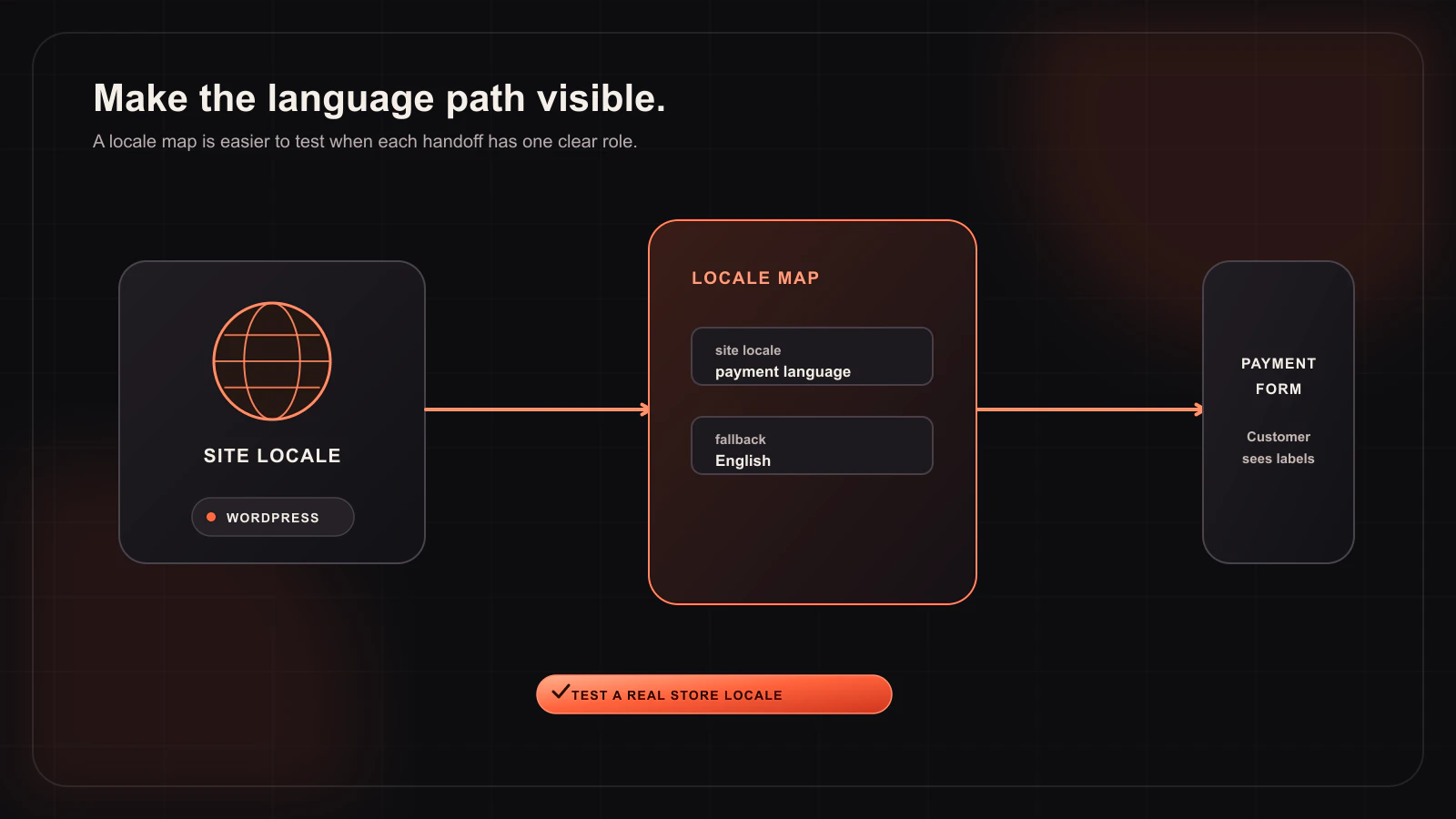
Use sandbox mode to test language behaviour before live payments are enabled. Do not only open a settings screen; add a real product to the WooCommerce cart and progress through the checkout in a target locale. The payment request should still come from the live cart, and the eventual payment result still needs the same signed webhook checks.
- Set the WordPress locale or the customer-facing language route you intend to support.
- Open a product, add it to the cart, and go to checkout.
- Choose your Woo-Whop checkout mode: Embed on checkout, Embedded checkout popup, or Direct Redirect.
- Confirm the payment form language is appropriate for the test locale.
- Complete a sandbox flow and verify the signed
payment.succeededevent checks the plan, company, amount, and currency. - Repeat on a mobile device or narrow viewport, where a popup and translated labels may occupy more space.
Language and checkout mode
All three Woo-Whop checkout modes can be part of a multilingual WooCommerce flow. The presentation changes, but the implementation pattern stays consistent:
- Embed on checkout: make sure surrounding WooCommerce copy and the payment area read naturally together.
- Embedded checkout popup: test focus, close controls, and long labels in the language you selected.
- Direct Redirect: explain the handoff clearly and test the return path in the same locale.
What language support does—and does not—mean
“28 options” means the payment form has 28 language options and can map automatically from the WordPress locale. It should not be turned into a blanket claim that every part of a third-party checkout, every payment method, or every customer-support interaction is localised in every locale. Inspect the customer-facing checkout you will publish and use clear fallback copy where needed.
Payment methods shown in the form are also separate from language selection. Card and crypto options are subject to Whop availability for the relevant checkout. Confirm both the language and the available options in the account that will be used for live orders before placing them in a campaign or product-page promise.
Multilingual launch checklist
- Confirm the WordPress locale and translation setup used by each storefront language.
- Test one representative cart in each high-priority language.
- Verify the payment form maps to the intended option from the 28 languages.
- Check mobile spacing, especially for popup checkout controls and translated error text.
- Use the live cart—not a manual plan—to test totals and currency.
- Validate signed success events before changing WooCommerce order status.
- Use HTTPS when you enable live payments.
Pair language QA with currency QA
International buyers often encounter both language and currency choices in the same checkout. Woo-Whop lists 47 native store currencies; store currencies outside that list use a guarded live-rate conversion to USD. Test these conditions together for your priority markets, including the plan, company, amount, and currency values returned by the verified webhook.
For a full configuration path, consult the Woo-Whop documentation. Then use the multi-currency payment guide alongside this article. A multilingual payment form is most valuable when the rest of the checkout—from cart total to confirmed order—remains equally clear.