
Multi-currency checkout is not only about showing a different currency symbol on a product page. Your WooCommerce cart, payment request, and verified payment result need to agree on the amount and currency that the store expects. If they do not, the problem becomes a support issue at the most sensitive point in the purchase journey.
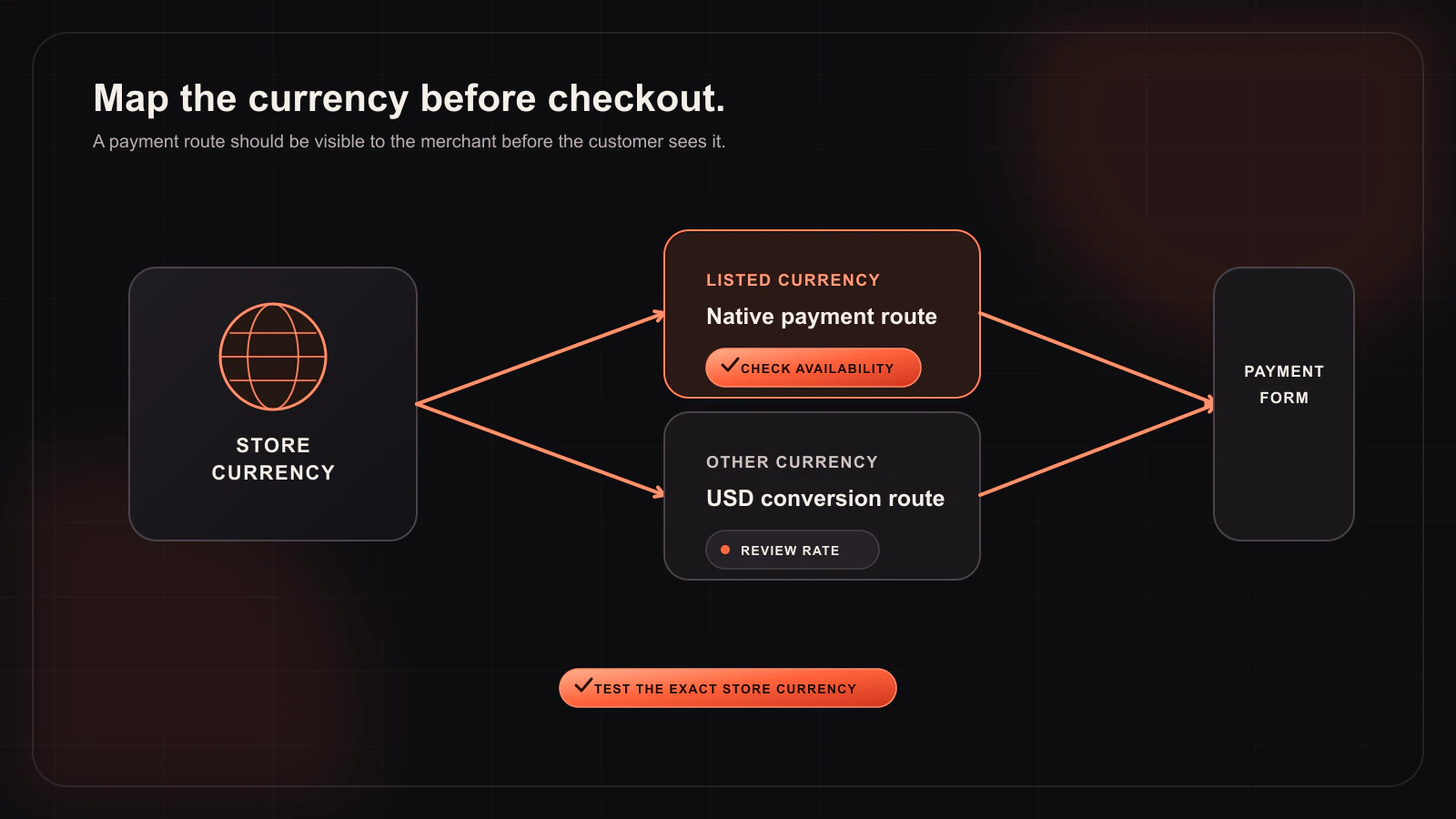
Woo-Whop includes multi-currency handling for a Whop WooCommerce checkout. It lists 47 native store currencies. When a store currency is outside that native list, the plugin uses a guarded live-rate conversion to USD. This guide explains how to test that behaviour responsibly without making assumptions about an individual customer’s final payment options.
Three currency concepts to keep separate
| Concept | Where it appears | Why it matters |
|---|---|---|
| Store currency | Your WooCommerce product and cart configuration. | It is the starting currency for the live-cart payment request. |
| Native supported store currency | The 47 currencies listed by Woo-Whop. | The plugin can use these as native store-currency cases. |
| Fallback conversion path | Store currencies outside that native list. | The plugin uses a guarded live-rate conversion to USD; it must be tested with the order amounts you publish. |
Do not confuse currency display extensions with payment handling. A WooCommerce currency switcher may change what a visitor sees, while the payment gateway still needs to create and verify a request from the live cart. Test the combination of extensions you actually use rather than assuming that a display setting automatically changes every part of payment processing.
How the Woo-Whop cart-to-payment flow works
At checkout, Woo-Whop uses the live WooCommerce cart to create a one-time Whop plan. There is no manual mapping where every product must be paired with an external payment plan. When payment succeeds, the signed payment.succeeded webhook is checked against the expected plan, company, amount, and currency before the store accepts the result.
That final currency check is not decorative. It gives the store a server-side way to reject a result that does not match the payment context it expected. For a multi-currency store, it should be part of every launch test.
Native currency versus USD conversion: what to test
- Record the WooCommerce cart total and store currency before checkout.
- Run the cart through sandbox mode with the chosen Woo-Whop checkout mode.
- Inspect the one-time payment plan created from the cart.
- Complete the test and inspect the signed success event.
- Confirm that the expected plan, company, amount, and currency checks all pass.
- Repeat with representative values, discounts, and cart conditions used by your store.
For a currency outside the 47 native store currencies, include the USD conversion path in those tests. Because it uses a guarded live rate, do not build support or accounting assumptions around a static conversion rate copied from a page. Test the behaviour close to launch and make your customer-facing checkout copy clear about the order total shown.
Checkout modes do not change the verification requirement
Woo-Whop provides three ways to present the payment experience: Embed on checkout, Embedded checkout popup, and Direct Redirect. The selected mode changes the customer interface, but it does not change the underlying rule: the live cart starts the payment request, and the signed webhook must be verified before the WooCommerce order is considered paid.
International checkout checklist
- Confirm the store’s base currency and every currency-switching extension active in production.
- Check whether each selling currency is in the plugin’s 47 native store currencies.
- For any other currency, test the guarded live-rate conversion to USD in sandbox.
- Use the same coupon, tax, and shipping configuration that your customers will see.
- Verify the signed
payment.succeededchecks for plan, company, amount, and currency. - Test on Classic checkout, Checkout Blocks, or HPOS according to your store’s configuration.
- Use HTTPS before live payment testing.
Pair currency handling with language testing
Currency and language often affect the same customer journey. Woo-Whop offers 28 payment-form language options with automatic WordPress locale mapping. Test the locale your customer sees alongside the cart currency. Payment methods shown in the checkout, including card and crypto options, remain subject to Whop availability, so confirm the real checkout before promising a particular option.
For configuration help, see the Woo-Whop documentation. You can also use the multi-currency sync guide and payment-form language guide as launch-test companions. A good multi-currency WooCommerce checkout is one where the customer experience and the verified order data tell the same story.